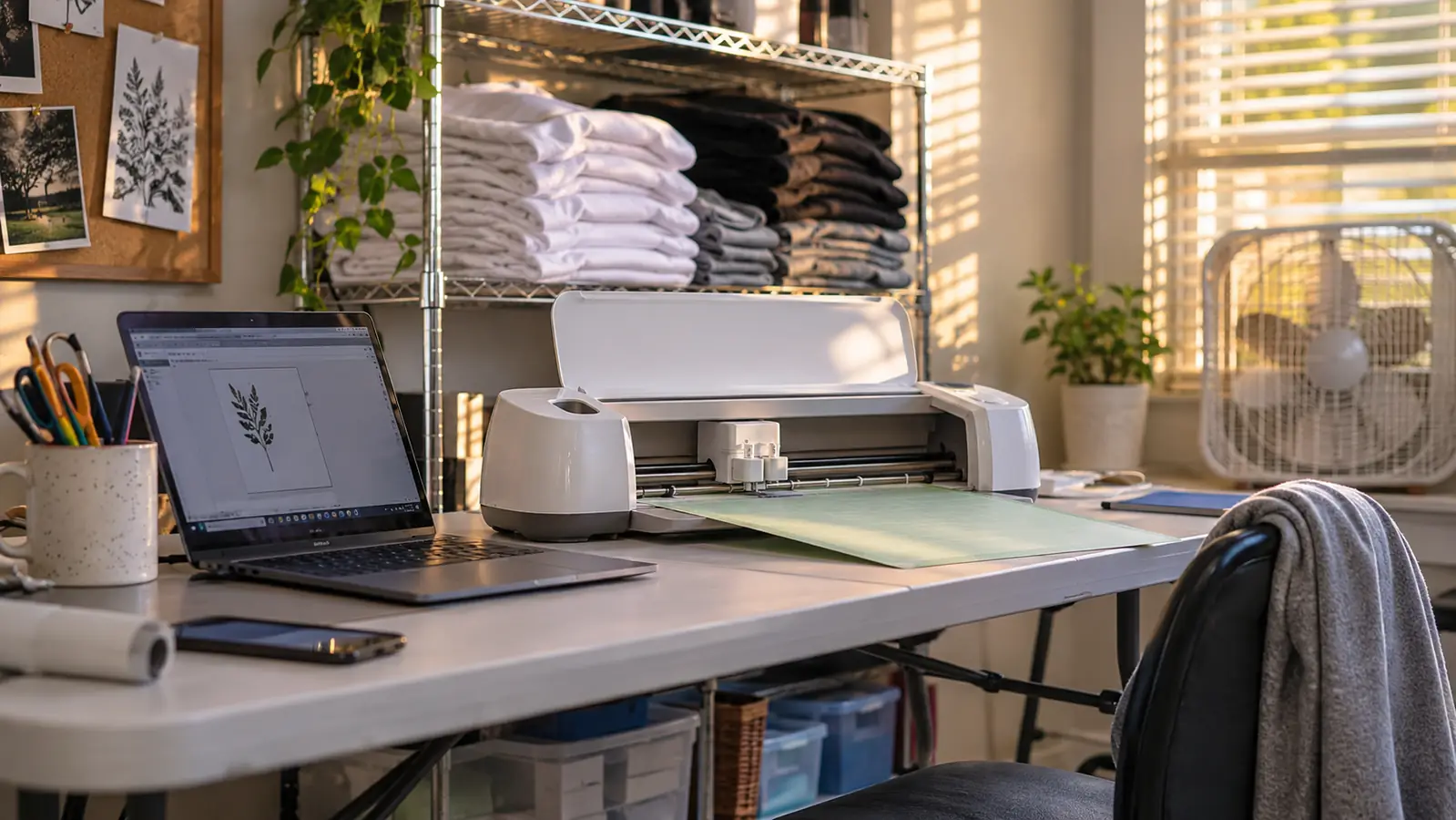
The Cricut Joy Xtra showed up on a Thursday in a box small enough that Sal asked whether I had ordered the wrong thing. By Saturday I had ruined two sheets of iron-on and learned the first real lesson of this machine. I run a part-time heat press and sublimation business out of the spare bedroom in Toms River, New Jersey. Most of my orders are shirts for a family reunion, tumblers for two teachers groups, and gear for a local Little League. I bought this cutter because I was tired of clearing the whole folding table to cut a three inch vinyl number.
Here is the short version before the long one. The Cricut Joy Xtra is a dependable little cutter that handles vinyl, iron-on and cardstock without drama, and it does it in a footprint that sits beside my tumbler press instead of taking over the room. What it does not do is replace a full size machine, and one of its most advertised features is closed to me because of the printer I own. Those two things are what this review is really about.
The Quick Verdict
A small cutter that quietly earns its space for vinyl, iron-on and cardstock, held back by a working area that stops at 95.94 square inches and a print feature my sublimation printer cannot use.
Amazon Check Today's Price →The cutter that sits beside the press instead of replacing it
The same bundle I bought: machine, fine-point blade, fine-point pen, mini weeder, welcome card, USB cable, power adapter and 30 bonus images. Read the current listing carefully before you decide between this and a bigger machine.
Amazon Check Today's Price on Amazon →What Actually Comes in the Box
The listing is specific about contents, which I appreciate after years of buying things that arrive one part short. You get the machine itself, a fine-point blade, a fine-point pen, a mini weeder, a welcome card, a USB cable and the power adapter. This bundle also adds 30 premium images on top of the standard set. I used the pen on my second day to write names on cardstock tags for a teachers order, and I used the mini weeder far more than I expected, mostly on the small vinyl numbers where my fingernails used to do the job and leave a smudge behind.
Setup took one evening, and most of it went on the welcome card. The card walks you through a first test cut, and I would do that rather than skip straight to a real order, because the machine wants to be told which tool is loaded and mine wanted to be told twice before I paid attention. The fine-point blade seats into the carriage with a click I did not trust for the first three days. The pen goes into that same carriage in place of the blade, which is the part I had not understood from the listing and had to learn by doing. Feed the material in, let the machine pull it through, and keep your fingers clear of the housing while it works. I also counted the box contents against the listing on arrival, out of habit, and everything listed was in there, including the mini weeder, which is smaller than the picture makes it look and lives in the pen cup now so I stop losing it.
The machine is listed at 250 grams, light enough that I lift it off the table when a big press job comes through and set it back down when that order is done. The active surface area is 95.94 square inches. Hold onto that number, because it decides more of your week than any other line on the page. Cricut lists it as working with more than 50 materials, and the ones I have actually run are vinyl, iron-on HTV, cardstock and sticker paper. The body is alloy steel, it carries a one year manufacturer warranty, and the operation mode is listed as automatic, which matches what I see: I send a job, it goes.
It works with a computer, a tablet or a smartphone, and with an inkjet printer for Print-Then-Cut. I design on a laptop because I am fifty four and I like a real keyboard, but I have sent a small job from my phone in a parking lot, and it came out fine. The machine is the easy part. The design software is where the learning curve lives, and it is a shorter curve than I feared.
The Print-Then-Cut Catch Nobody Mentions Up Front
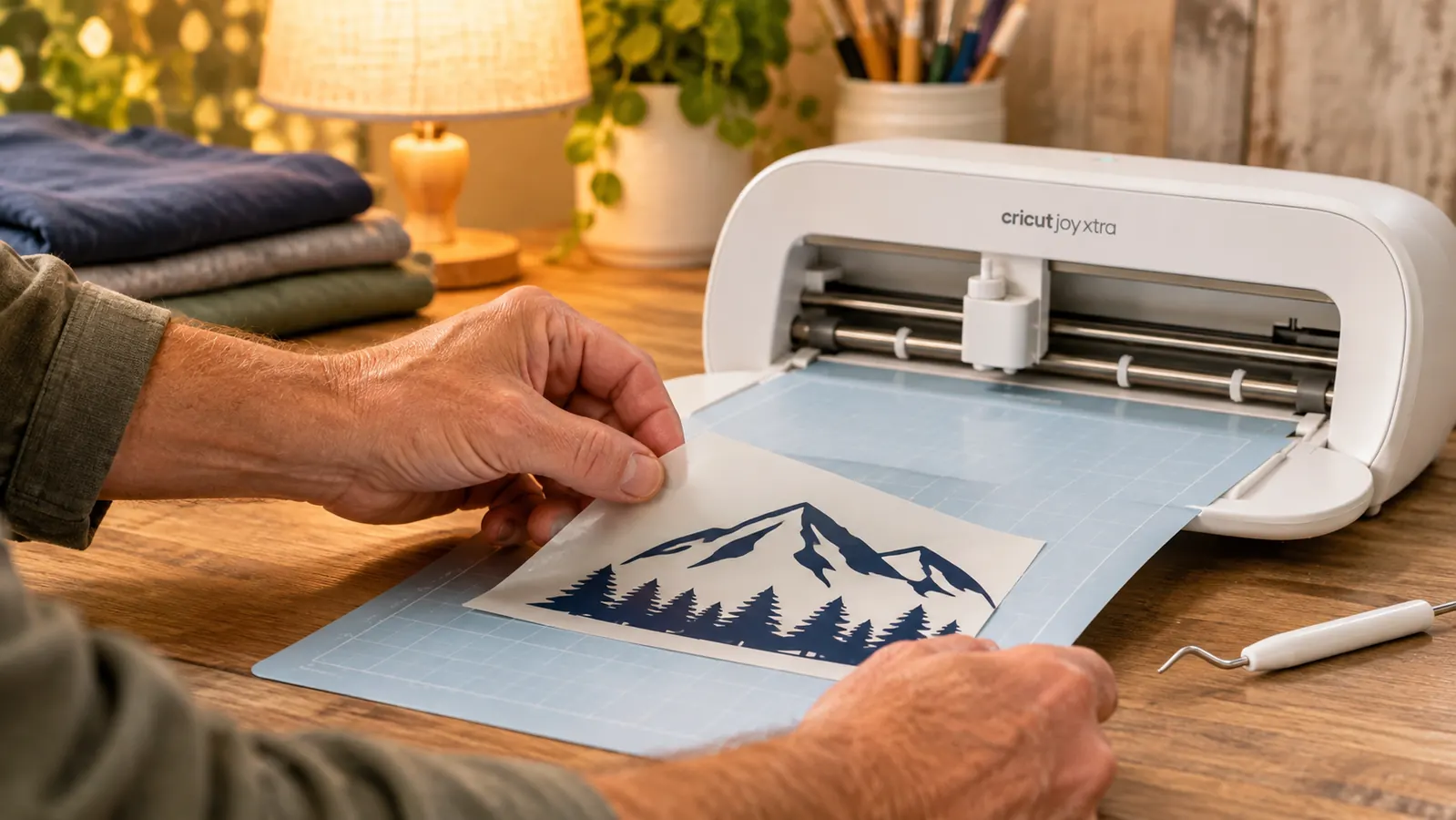
Print-Then-Cut is the feature that makes people picture sticker sheets and full color labels, and the listing is honest that it needs an inkjet printer. What it does not spell out is that the inkjet has to be running ordinary ink. My only printer is an Epson EcoTank ET-2800 that has had nothing but sublimation ink in it since the day I set it up. Sending a sticker sheet through it would mean printing with sublimation ink onto plain paper, and that is not what that ink is for.
So for me, Print-Then-Cut is theory. If you already own a second inkjet with regular ink in it, that feature is real and useful and probably worth a decent slice of the purchase on its own. If your only printer is a sublimation conversion like mine, factor in what a small inkjet costs before you count stickers as part of the deal. That is not a flaw in the machine. It is a flaw in how the feature gets sold, and I would rather you hear it from me than work it out on a Thursday night with a dead sticker order on the table.
I had a whole plan for sticker sheets for a teachers order and had to walk it back. I offered vinyl decals instead and honestly they were better received. But you should know before you order, not after.
Where It Earned Its Place on My Table
The reunion shirts were the test. Fourteen of them, one color, names on the front and a number on the back. I cut the iron-on over two evenings while a pot of coffee went cold, and the small working area was not the obstacle I expected, because shirt names are small. The machine stayed put, I fed it a sheet, weeded the design, and pressed. Two evenings for fourteen shirts is not a record. It is also not bad for a machine that weighs 250 grams.
A Saturday in October is the clearest example I can give you. I had twelve tumblers for one of the teachers groups and sixteen names for a Little League set that I ended up splitting across four passes. I started at nine in the morning and had everything weeded and applied by two in the afternoon, with a lunch break in the middle and Sal folding blanks at the far end of the table. The machine ran while I pressed. That overlap is the entire point of owning it. Before, cutting and pressing competed for the same hours, and one always lost. Now a cutting job runs in the background while my hands are on the press, and a Saturday that used to produce eight finished pieces produced twenty six. I am not faster at any single step. I am just not standing still waiting for one step to end so the next one can begin.
The tumblers were easier. Vinyl decals for twelve teacher tumblers, cut, weeded and applied while the press came up to temperature. The fine-point blade handled the smaller lettering better than my hands ever did, and the mini weeder earned its spot in the drawer. Little League gear was the third job, and that one taught me to slow down. Team numbers in iron-on are simple shapes, and simple shapes are exactly where I get careless.
What changed for me was not speed. It was that I stopped avoiding small jobs. Before this, a three inch decal meant dragging out the full setup and clearing the whole table, so I would batch a week of small orders into one exhausting night. Now I cut one name while dinner is in the oven. That is a real change in how the work feels, and it is the honest reason the machine has stayed on the table instead of going on the shelf with the other things I bought and stopped using.
Fourteen reunion shirts, cut over two evenings, on a machine that weighs 250 grams and lives beside my tumbler press.
The Flaws, Straight
The working area is 95.94 square inches, and that is the ceiling on everything you cut. A design wider than that has to be split into pieces and lined up by eye, and lining things up by eye is not a skill I have. Big back prints are out. Wide decals are out. If your orders lean that direction, no amount of patience fixes it, and you will spend your evenings apologizing to people instead of pressing shirts.
The narrow working area also changes how you buy materials, and nobody mentions that part. I stopped buying vinyl by the yard and started buying it in sheets, because anything longer than the machine wants to pull hangs off the end and gets wasted. That is a small ongoing cost spread across a year, and I did not account for it when I did my figuring before the purchase. The same goes for iron-on. I cut more carefully now, because a mistake on a sheet that fits only one design means starting that sheet over, while on a bigger machine I could have nested two or three designs and absorbed the error. Weeding is the other hidden tax. The mini weeder helps. It does not make a twelve point name on a tumbler take less than ten minutes of squinting in good light.
Because each pass is limited to that working area, a batch of twelve tumblers means twelve separate cuts. I do not mind it at the volume I take. A friend who does craft fairs asked me about this machine and I told her to look at something bigger. Her Saturdays are forty units. Mine are twelve, and I like it that way.
The third flaw is the learning curve, and it is not really the machine's fault. The machine cuts what you tell it to cut. The trouble is that for the first week I did not know what to tell it. My first iron-on went on crooked because I weeded the design before I understood which side faces down. My second attempt peeled at the corner. By the third evening I had a routine, and the routine is short. Getting to it was the work.
And the last note is more caution than flaw: this is a companion machine. It is not the machine you buy if you are only buying one. Cricut makes bigger models for bigger work, and if you are comparing, the honest question is not which is better. It is which jobs you actually take every week.
What I Liked
- Fits beside a press instead of owning the folding table
- Handles vinyl, iron-on HTV, cardstock and sticker work
- Fine-point blade, fine-point pen and mini weeder included
- Runs from a laptop, tablet or phone
- 30 bonus images included with this listing
- One year manufacturer warranty
Where It Falls Short
- Working area tops out at 95.94 square inches
- Print-Then-Cut needs a separate inkjet running ordinary ink
- Wide designs must be split and lined up by hand
- Weeding small lettering is still slow, patient work
- Not a replacement for a full size cutter
What It Does Not Fix
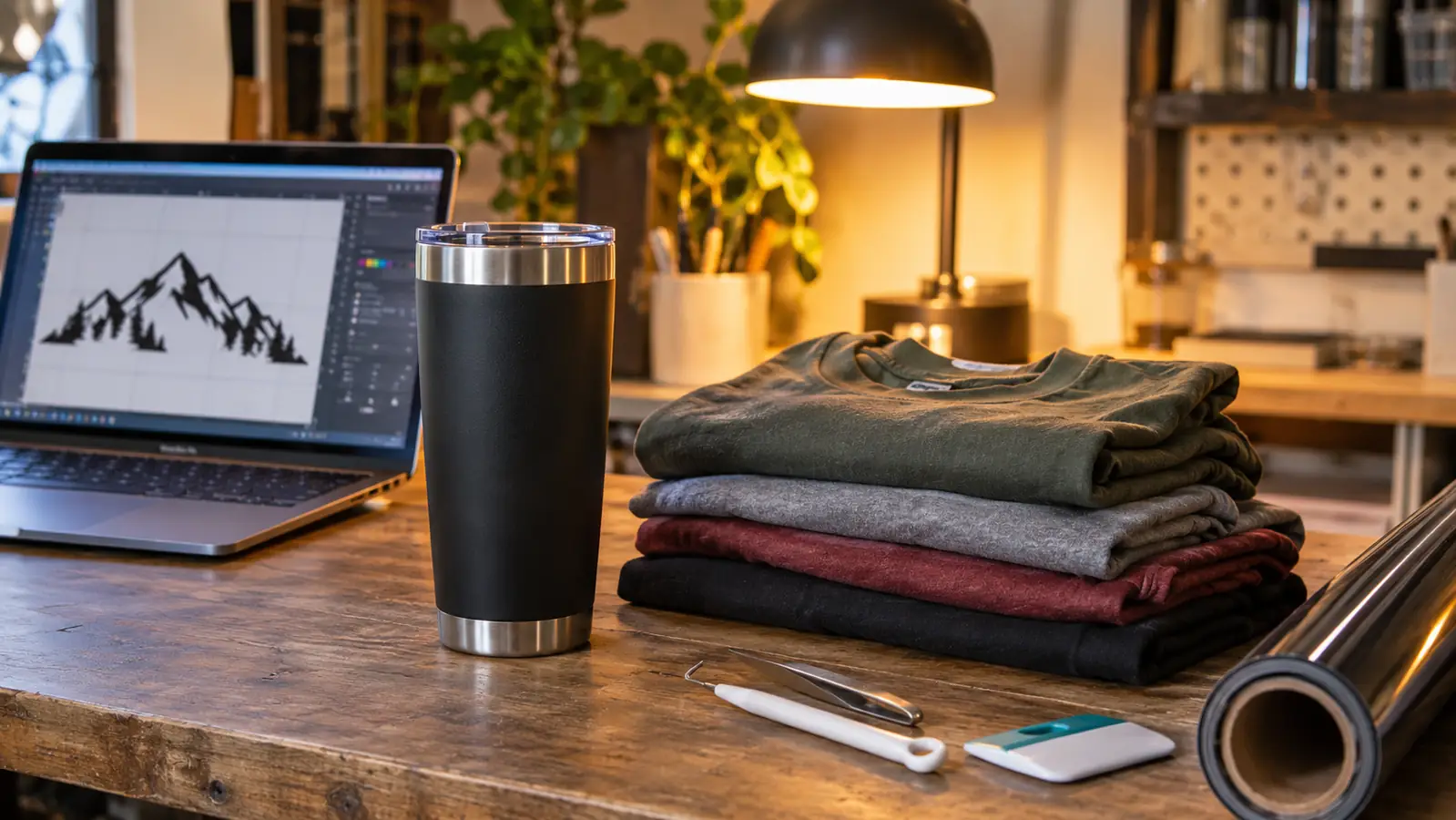
A cutting machine does not fix a bad press, and it does not fix a bad design. I say that because I spent my first month assuming the cutter would make my shirts look professional, and what actually made them look professional was learning my press temperature and finally stopping the scorching on polyester. The Joy Xtra gave me clean edges to press. The rest of it was me, and no purchase changes that.
A concrete example, because I think it helps more than advice. I had a polyester blend for a neighbor's order, a fabric that took heat faster than the cotton I was used to. I pressed it at the temperature I had been using all month and the front went shiny at the edges before I noticed. The cut was perfect. The shirt was finished as a wearable. I bought two more of the same blank, dropped the temperature and shortened the press time, and both came out clean. That mistake cost me a morning and one blank, and no cutter on the market would have prevented a minute of it. What the Cricut did was hand me a clean edge to ruin. The rest of the lesson belonged to me and my temperature dial.
It also does not sort, bag or label anything. That is Sal's department, and he would like you to know that fourteen folded shirts do not stack themselves. The machine cuts, the press presses, and the two of us do the rest. Anyone showing you a picture of a one person factory is showing you a picture.
Who This Is For
This is for the person who already owns a press and takes small, specific orders. Names on shirts. A dozen tumblers. Cardstock tags. Cake toppers, if that is your lane. It is for the seller who wants to cut one thing at nine at night without turning the spare room into a production floor. If you have a printer with ordinary ink sitting in the house, Print-Then-Cut adds stickers and labels to that list, and that is a genuine expansion of what you can sell.
It is also a sensible first machine for a teacher, a church volunteer, or a parent doing team gear for one season. The learning curve is a week, not a semester, and the bundle gets you cutting the day it arrives because the blade and the pen are already in the box.
Who Should Skip It
Skip it if your orders are big. Full back prints, wide banners, forty unit craft fair batches, anything where the design runs larger than the working area, and you will spend your evenings splitting artwork. Skip it if your only printer is a sublimation conversion and stickers were the reason you were interested, unless you are ready to buy a second printer. And skip it if you have not bought a press yet. The press comes first. The cutter is the second purchase, and buying them in the wrong order is how a hobby turns into a shelf full of equipment.
One more honest note. If you are weighing this against a bigger Cricut model, the decision comes down to your largest regular job, not to the size of the box it ships in. Buy for the job you take every week, not the one you might take someday.
If your biggest regular job fits inside 95.94 square inches, this will earn its space
Machine, fine-point blade, fine-point pen, mini weeder, welcome card, USB cable, power adapter and 30 bonus images in one bundle. Check the current listing and the return window before you commit.
Amazon Check Today's Price on Amazon →