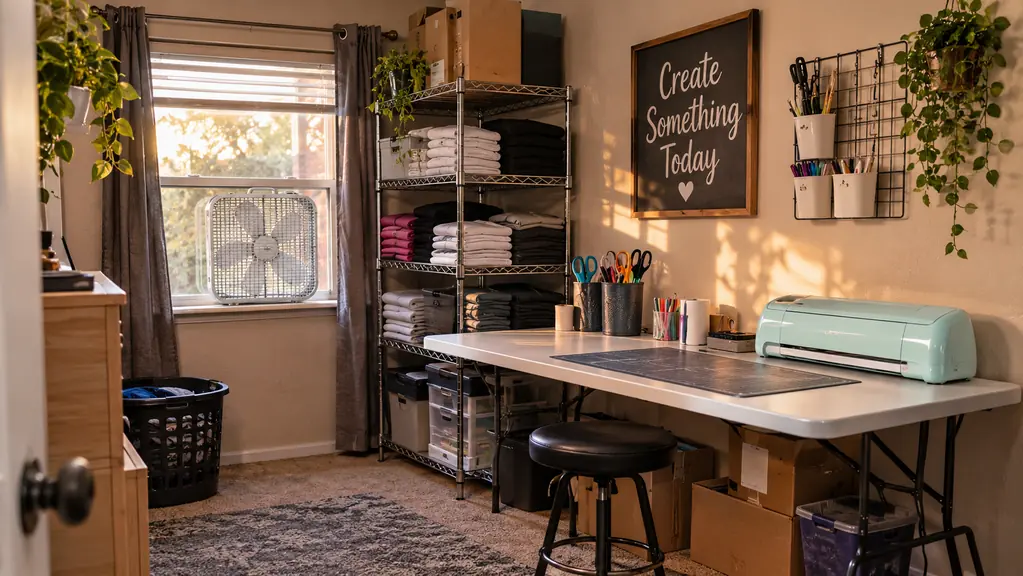
The spare bedroom in my house in Toms River is nine feet wide. One long folding table, a wire shelf of blanks, a window fan, and an Epson EcoTank ET-2800 that has only ever had sublimation ink in it. That is the whole press room. So when I say a small cutting machine changed how many orders I can take in a week, I am not talking about some workshop with room to spare. I am talking about whether I can still walk to the shelf without turning sideways.
For the first two years I cut everything by hand. A craft knife, a cutting mat, a ruler, and a right hand that ached by Thursday. Family reunion shirts, teacher tumblers, Little League numbers, holiday mugs. It worked, and it was slow, and I turned down work because of it. The Cricut Joy Xtra was the first machine I tried that fit on the corner of that table without pushing anything else off it. I have used it long enough now to know where it helps and where it does not. Here are ten reasons it earns its corner, and one thing I would tell a friend to skip.
The machine that fits the room you actually have
The Cricut Joy Xtra with the digital content bundle: fine-point blade, fine point pen, mini weeder, welcome card, USB cable, power adapter, and 30 bonus images in the box. If your workspace is the corner of a table, measure the corner first.
Amazon Check Today's Price on Amazon →The active surface is 95.94 square inches, and that is the entire point
The listing puts the active surface area at 95.94 square inches. What that means in my house is that the machine sits on the right-hand corner of the folding table with room left over for a stack of blanks and my coffee. It does not get put away. Nothing that gets put away gets used, and that was the real problem with cutting by hand. I could clear the table and set up, or I could answer three emails and go to bed. Most nights I went to bed.
One machine covers the four materials I actually buy
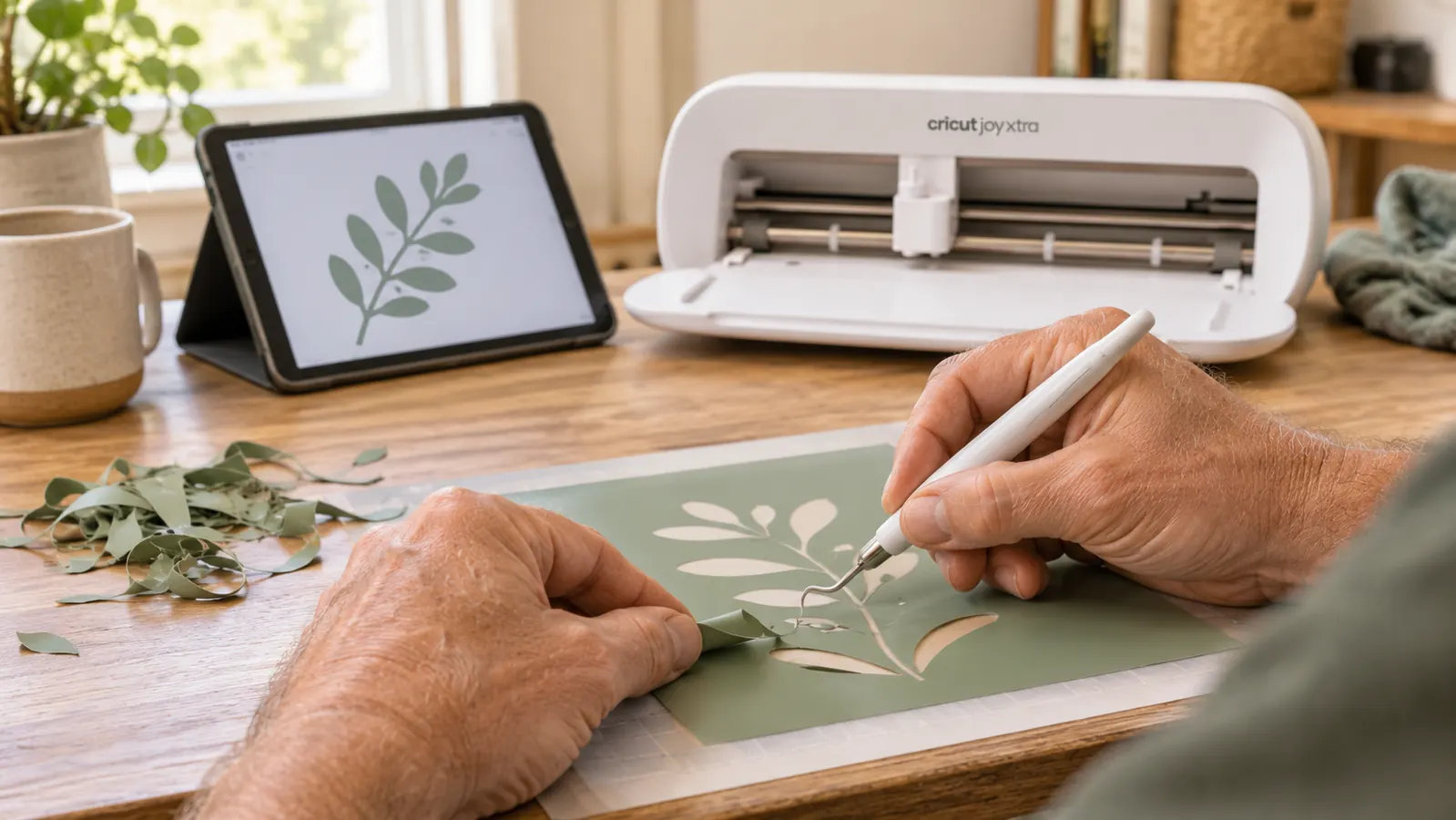
Fifty-plus materials sounds like a line from a brochure until you read the list: vinyl, iron-on HTV, cardstock, stickers. Those four cover almost every order I take. The HTV handles the shirts. The vinyl handles tumblers and the decals the Little League parents ask for. The cardstock handles the tags I tie to the bags. The sticker material handles the labels on the shipping boxes. I stopped buying a separate tool for each job, and I stopped storing a separate tool for each job.
Iron-on HTV is where the shirt orders live
Family reunion shirts paid for this thing. Twenty-two shirts, three family names, one date, and a picnic in July. The machine cuts the HTV, I weed it, Sal presses it, and we fold. With the fine-point blade in and a fresh sheet of iron-on, a name takes minutes instead of the twenty it took me with a knife and a ruler. Weeding is still the slow part. No machine has fixed weeding, and I have stopped expecting one to.
Print-Then-Cut works with an ordinary inkjet printer
The machine is compatible with inkjet printers, and the listing says so plainly. That matters because a lot of us already own one. I will be honest about my own setup: my EcoTank only ever runs sublimation ink, and I am not about to experiment with a system that finally works. But if you have a normal home printer, Print-Then-Cut is the feature to look at closely. It prints a full-colour sheet and cuts around what it printed. Stickers, cupcake toppers, small labels. It is the reason I did not need a second machine.
It runs from a tablet, so layout happens on the couch
Compatible devices include computers, tablets and smartphones. I lay a design out on a tablet at the kitchen table with Sal watching the ballgame, then carry it back to the press room and send the cut. Standing hunched over a laptop at the folding table was the part of this work that made my back hurt. Now the standing is only for loading and weeding, which are the parts that genuinely need my hands on the material.
At 250 grams it moves with one hand
The listing puts it at 250 grams. I have not put it on a scale, but I lift it with one hand when I need the whole table for pressing, and I set it back down when I am done. Anything heavier would live on the shelf and I would resent getting it down twenty times a week. This sounds like a tiny detail. In a nine-foot room, the tiny details are the whole job.
The box has what you need for the first cut
Included components: the machine, a fine-point blade, a fine point pen, a mini weeder, a welcome card, a USB cable and a power adapter. The blade and the weeder are the two that matter. I did not have to guess which blade to order for vinyl, and I did not have to wait four days for a weeder to show up. I cut my first project the evening I opened the box, which is more than I can say for the heat press.
The pen writes the size on every bag, and I use it daily
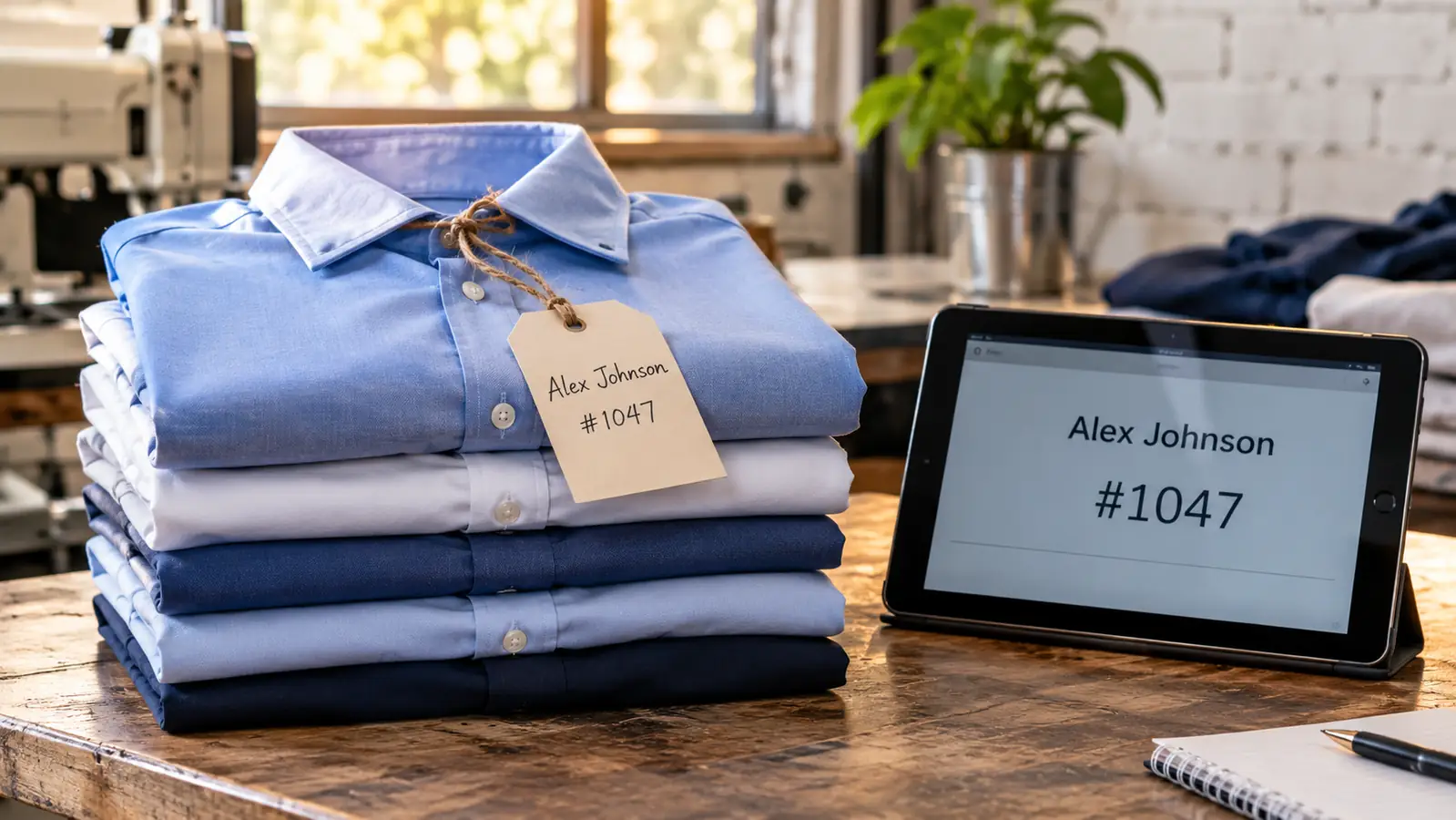
I thought the pen was a gimmick. Now it writes the size on the outside of every bag: YOUTH M, ADULT L, 2XL. Before, I was writing on masking tape with a marker and it looked like masking tape with a marker. It also draws the little name tags for the holiday market table and the labels for the teacher tumbler boxes. It is the least glamorous thing in the room and one of the most used.
A one-year manufacturer warranty, which is what I read before ordering
One-year manufacturer warranty. I am not going to pretend I understand the internals. What I understand is that I bought this during a stretch when I had three orders running at once and could not afford a machine that quit in month four. I have not needed the warranty. I did read it before I ordered, and I would tell anyone doing the same to read it, because a small machine in a small business is a tool, not a toy, and the terms should be boring and clear.
The bundle adds 30 digital images for the nights you cannot design
The digital content bundle adds 30 images. I am not a designer. I can lay out a name and a number and leave it at that. When a neighbor asks for something for a baby shower and I have no idea where to start, having a set of ready images means the answer is yes instead of a maybe. It also means I am not scrolling at eleven at night hunting for something free that will print decently.
What I'd Skip
Two things I would skip. First, do not order a starter pack of every material the same week you order the machine. I did, and half of it still sits on the wire shelf because it does not fit the orders I actually get. Buy one roll of HTV, one roll of vinyl, and a pack of cardstock, and let the next three orders tell you what to add. Second, do not buy a bigger machine for the jobs you might get someday. If someday arrives, you will know exactly what you need and you will buy that. What I would not skip is a decent pair of tweezers and a good light, because weeding is where the time goes and nobody warns you about it.
Nothing that gets put away gets used. That was the real problem all along, and a machine small enough to leave out is the entire fix.
If your work fits a table corner, start there
The Cricut Joy Xtra digital content bundle: blade, pen, mini weeder, cable, adapter, and 30 images in the box, plus a one-year manufacturer warranty. Check today's price and the current material list before you order, the same way I did.
Amazon Check Today's Price on Amazon →