If you want the short answer, it is the Cricut Joy Xtra. I have run both of these machines in the spare bedroom of my house in Toms River, New Jersey, cutting vinyl and iron-on for family reunion shirts, teacher tumblers, Little League gear and the occasional holiday mug, and the smaller machine is the one I switch on without a second thought. Not because it can do more. It cannot. Because it fits the way a small order actually happens in a room that has another job.
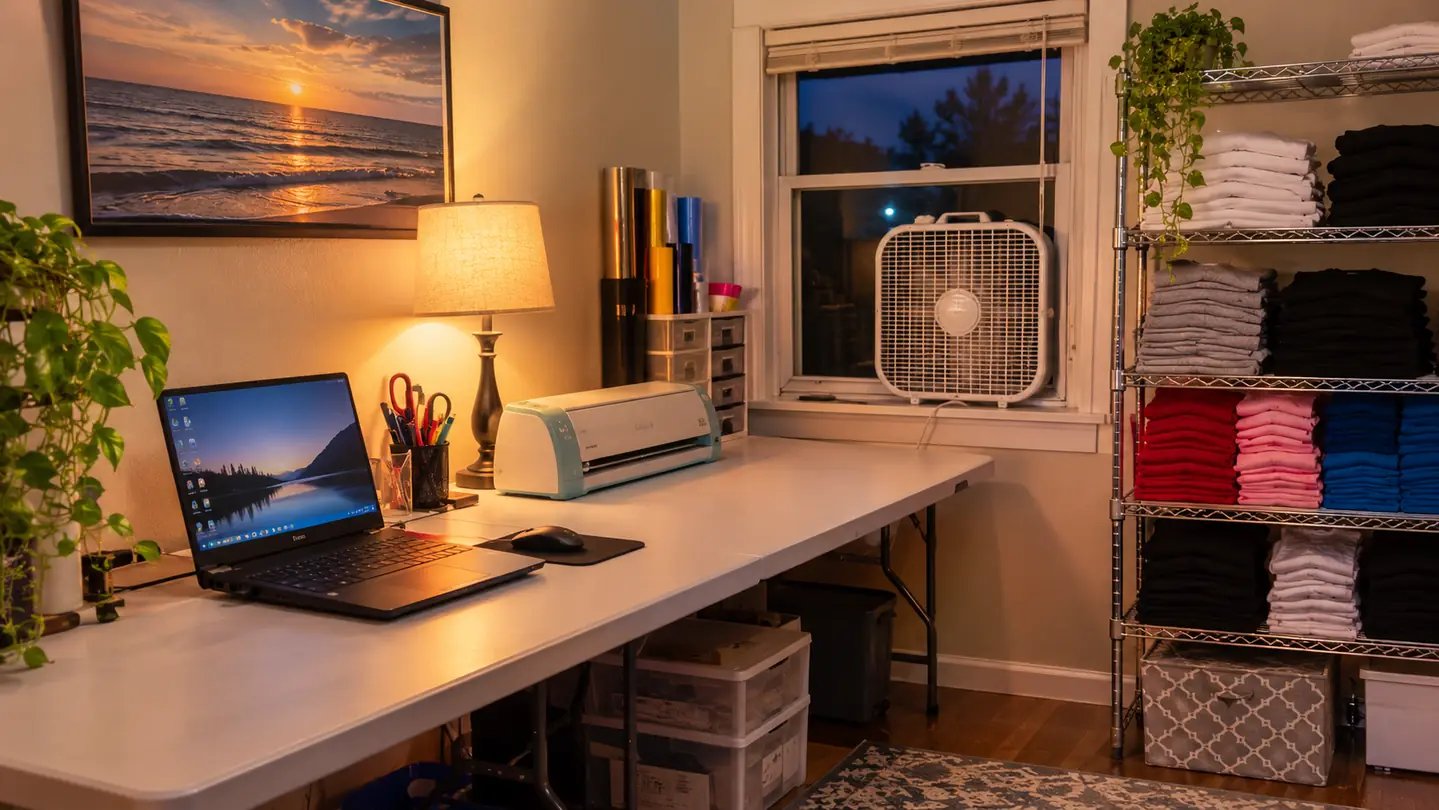
Here is the part most comparisons skip. The real gap between these two is not capability, it is how much permanent table space you are willing to hand over. My press room is a converted bedroom with one long folding table, a wire shelf of blanks, and a window fan that runs whenever the press is hot. The Cricut Joy Xtra lives beside the laptop and never asks for more. The Explore 3 is the wider machine, and it wants a dedicated stretch of table and does not care to be moved. Both cut cleanly. Both are built well. Only one of them shares the table with a stack of shirts while the shirts are still there.
| Cricut Joy Xtra | Cricut Explore 3 | |
|---|---|---|
| Work area | 95.94 square inches, enough for a tumbler wrap, a pocket logo, a card front or a sticker sheet | Full-size mats, wide enough for a whole shirt front or a large decal in one pass |
| Table footprint | Sits beside the laptop and stays there | Wants a dedicated stretch of table |
| Weight | 250 grams, light enough to carry to a craft night | Stays where you set it down |
| In the box | Machine, fine-point blade, fine-point pen, mini weeder, welcome card, USB cable, power adapter, plus 30 bonus images | The machine and its standard tools |
| Materials | 50+ materials including vinyl, iron-on HTV, cardstock and stickers | A broader range, including heavier and wider stock |
| Print-Then-Cut | Works with a household inkjet printer | Also does Print-Then-Cut, on larger sheets |
| Batch runs | Fine for a dozen tumblers at a sitting | Built for long runs and full sheets |
| Out-of-box setup | Cutting within twenty minutes | More machine to learn before the first cut |
| Best for | Small personal orders in a shared room | Big decals, wide material and volume |
The Joy Xtra has never once made me clear the table. The Explore 3 has never let me forget it is there.
Where the Cricut Joy Xtra Wins
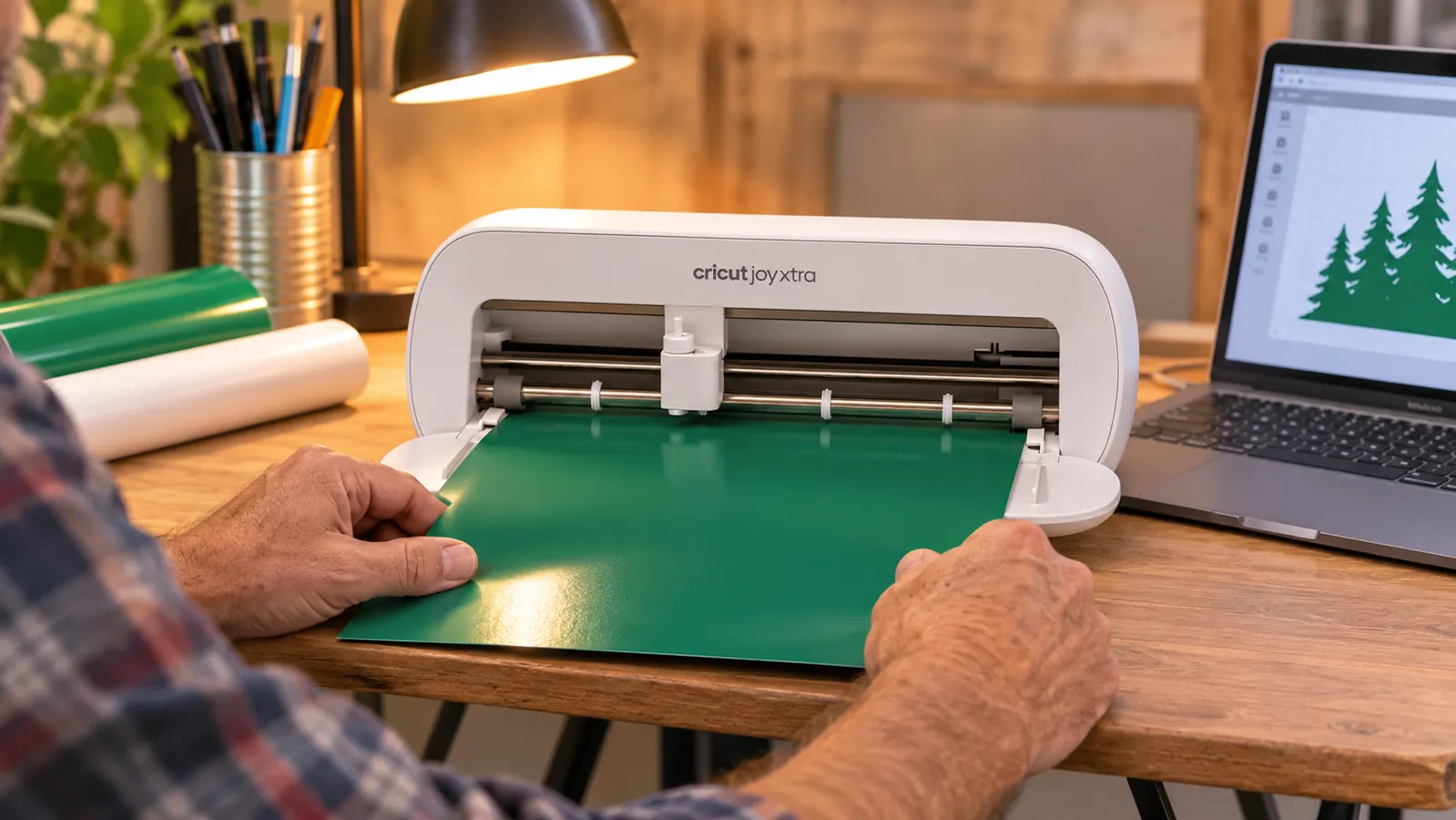
It wins on space, and in my house space is the whole argument. The machine weighs 250 grams, which is light enough that I move it off the table with one hand when Sal needs the surface to fold an order. Out of the box you get the machine itself, a fine-point blade, a fine-point pen, a mini weeder, a welcome card, a USB cable, a power adapter, and a bundle of 30 bonus images to start from. I had mine cutting a scrap of iron-on within twenty minutes of opening the box, and I am not a person who reads instructions all the way through. The Explore 3 took me most of an evening to feel comfortable with, and I had already been cutting for a year.
The second thing it wins on is that it suits the size of work I actually sell. The listed active surface area is 95.94 square inches, which sounds like a small number until you put it against what a real order looks like: a name across a tumbler wrap, a pocket-sized logo, a card front, a sheet of stickers for a teacher's reward jar. Eighteen tumblers for a teachers' group is a normal Tuesday for me, and the Joy Xtra handles all eighteen without complaint because each piece is small. It is also listed as compatible with inkjet printers for Print-Then-Cut, and it will talk to a computer, a tablet or a phone. I will be honest about one thing: I do not run Print-Then-Cut on my Epson EcoTank, because that printer has only ever had sublimation ink in it and I am not putting that through a sticker sheet. If there is an ordinary inkjet in your house, that feature is a real advantage and you should use it.
There is one more thing I did not expect to care about, which is how the machine behaves at the end of an order. When I finish a dozen tumbler wraps, I lift the Joy Xtra, set it against the wall, sweep the scraps into the bin, and the table is a table again. The whole reset takes under a minute. With a wider machine the reset means finding a home for something that does not have one, and in a spare bedroom there is no such home. I have watched friends with bigger machines leave them set up permanently on the dining table because moving them is more trouble than it is worth, and a machine that lives on the dining table eventually stops being used. The Joy Xtra gets put away because putting it away is easy, and a machine that gets put away also gets taken out again. That sounds like a small thing. It is the reason I still cut on a Thursday night after a full day at the school office.
Where the Explore 3 Wins
It wins on width, and width is not a small thing when you need it. The Explore 3 takes full-size mats and material widths the Joy Xtra simply cannot swallow, so a whole shirt front or a large back-of-shirt design goes through in one pass instead of being tiled and lined up by hand. It also reaches across a broader range of materials, including the heavier and wider stock that the Joy Xtra's work area rules out. If your orders lean toward big decals or wide designs, this is not a nice-to-have, it is the reason to buy the bigger machine.
It wins on volume too, and I will give it that plainly. When a family reunion order landed at forty shirts, the wider bed saved me a reload every few minutes, and the difference between a two-evening job and a three-evening job is not a small difference when you have a day job. The Explore 3 is also the machine that never felt strained when I pushed a long run through it. The Joy Xtra will do a long run, but you will feel every minute of it, because you are feeding small pieces through a small machine over and over. If your business has grown past the point where every order fits in your hand, the Explore 3 is the honest recommendation.
The reunion order is the clearest example I have. Forty shirts, one design on the back, and a family name across the front. On the wider bed I set up a full mat, cut a back design, peeled it, and moved on, and the whole job took two evenings including pressing. On the smaller machine I would have split every back design into two pieces, matched them by eye on a hot platen, and pressed them separately, and matching two halves by eye is where the crooked ones come from. I know exactly where the crooked ones come from because I have made them. That is not a knock on the Joy Xtra, it is just what a 95.94 square inch work area means when the design is bigger than the work area. The right tool for that job was width, and I should have borrowed the width instead of faking it.
The Machine That Actually Gets Switched On
The Cricut Joy Xtra handles 50+ materials, comes with the blade, pen, weeder, cable and adapter, and lives happily on a table that already has a job. If your orders are small and personal, this is the one.
Amazon Check Today's Price on Amazon →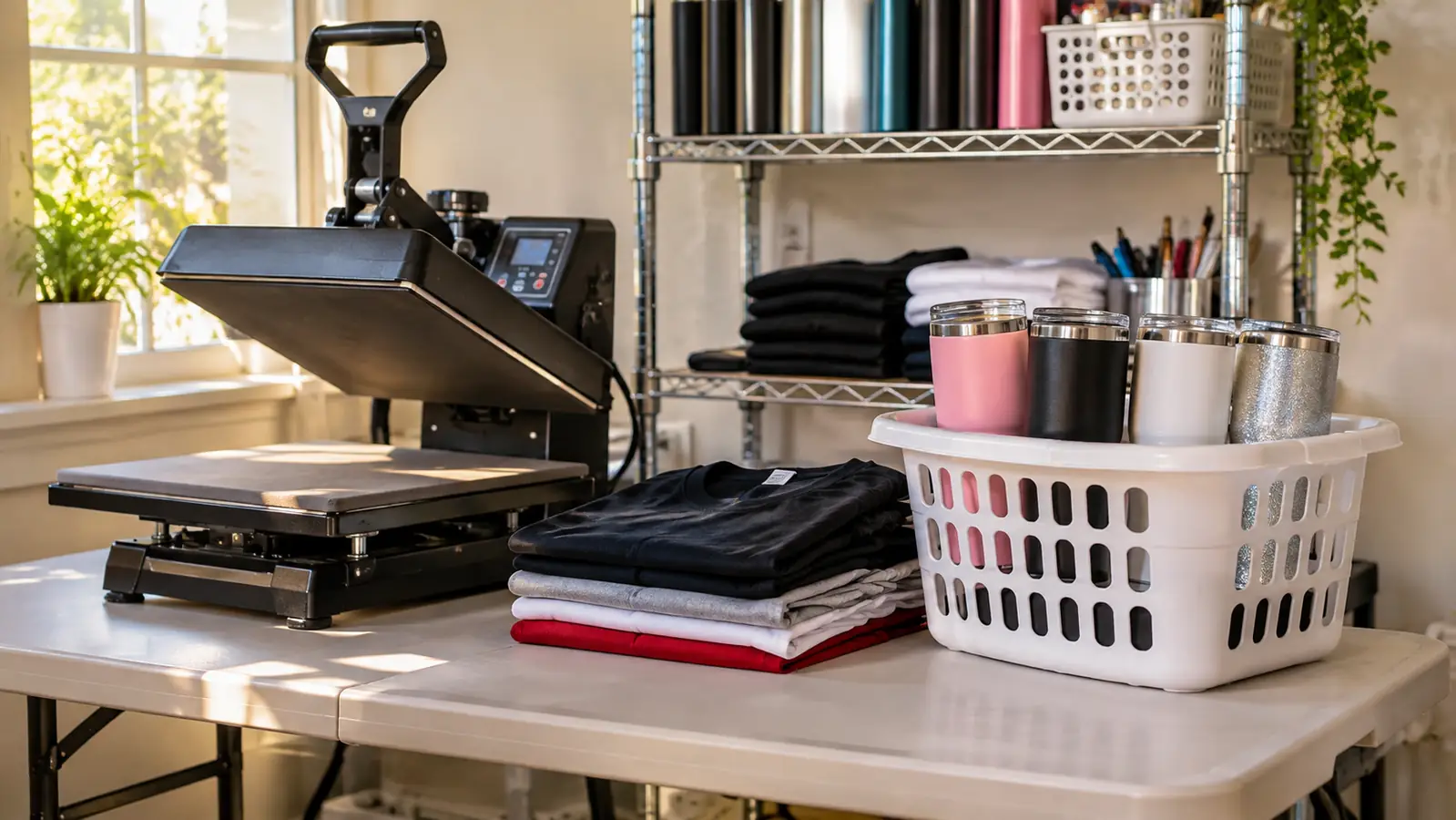
What a Normal Week Looks Like With the Joy Xtra
Most weeks I cut on Tuesday and Thursday evenings and press on Saturday morning. Tuesday is usually tumblers: I set the Cricut Joy Xtra beside the laptop, pull a wrap design up, and run six or eight pieces of vinyl through while the kettle boils. Thursday is shirts, which means iron-on HTV and a lot of weeding at the table with the mini weeder that came in the box. Saturday is the press, and Sal folds and bags. The machine comes out, does its job, and goes back against the wall without me reorganizing the room to make it fit. That is the entire case for it, and it is a better case than any spec sheet makes.
Where it occasionally frustrates me is the ceiling. A design wider than its work area has to be broken into pieces and lined up, and lining up iron-on by eye is how you get a shirt where the two halves of a name sit at slightly different heights. I have done that. Sal wore the shirt anyway. If you are cutting large back designs a few times a month, you will spend more time lining up pieces than you save on table space, and that is the moment the wider machine starts to make sense. The Joy Xtra is not a compromise for a small shop. It is a compromise for a shop that keeps getting bigger work.
The thing I got wrong in my first months was assuming the small machine could do sticker sheets the way I pictured it. I had this image in my head of printing a full page of reward stickers for a teacher's jar, feeding it through, and cutting the whole sheet in one go. Two problems with that picture. My Epson has sublimation ink in it and only ever has, so printing stickers on that printer is not something I do. And a full letter sheet of stickers is wider than the work area, so the sheet gets split anyway. What actually works for me is a quarter sheet at a time, four to a page, each quarter designed so it stands on its own. That is slower than the picture in my head and it is also completely fine, because a reward jar does not need forty stickers at once. Learning the shape of what the machine likes took a few weeks, and none of that learning was wasted when I moved over to iron-on.
What I Liked
- Fits a table that already has another job
- 250 grams, easy to lift and put away
- Blade, pen, weeder, cable and power adapter all in the box
- Cuts vinyl, iron-on HTV, cardstock and stickers
- Print-Then-Cut works with a household inkjet printer
- Includes 30 bonus images to start from
Where It Falls Short
- 95.94 square inches caps how big a single piece can be
- Not the machine for a hundred-shirt run
- Cannot take the wider material widths
- Large designs have to be split and lined up by hand
- You will likely outgrow it if your order sizes keep climbing
Who Should Buy Which
Buy the Cricut Joy Xtra if your work is small, personal and frequent, and if the machine has to share a room with something else. Teachers' gifts, tumblers, pocket logos, card fronts, sticker sheets, a dozen shirts for a team, a batch of holiday mugs. Buy it if you are starting out and you want to spend your evenings learning design and pressing rather than learning a machine. Buy it if you have an ordinary inkjet in the house and want to try Print-Then-Cut without buying a second printer. It is the right first machine for most people who describe their work the way I describe mine, and it is the one I would hand to a friend without hesitating.
Buy the Explore 3 if you already know you need width. Big back-of-shirt designs, wide decals, heavier stock, long runs that would take all night on a smaller bed. Buy it if you have a dedicated surface it can live on and nobody needs that surface for anything else. And buy it if you are past the stage where you are guessing, which is the real dividing line here. The Joy Xtra is a wonderful machine that will teach you what you need to know. If what you learn is that you need more width, the Explore 3 is the machine that answers that specific problem and nothing else.
People ask me this at Little League games and in the school parking lot, and I have started giving the same answer every time. Count the biggest single piece you expect to cut in the next six months and measure it. If it fits in your hand, or on a tumbler, or inside a card front, the Cricut Joy Xtra will do everything you need and it will do it on a table you already own. If the number you measured is a full shirt back, stop talking yourself into the small machine. Width is the one limitation you cannot work around, and everything else on this list you can. That is the whole test, and it takes about thirty seconds with a tape measure. I wish someone had given it to me before I spent a year splitting designs and pretending the seams were invisible.
Start With the One You Will Actually Use
A machine that fits your table gets used. A machine that does not get covered in dust. The Cricut Joy Xtra is the one that stayed out in my press room, and it is still cutting every week.
Amazon See the Cricut Joy Xtra on Amazon →