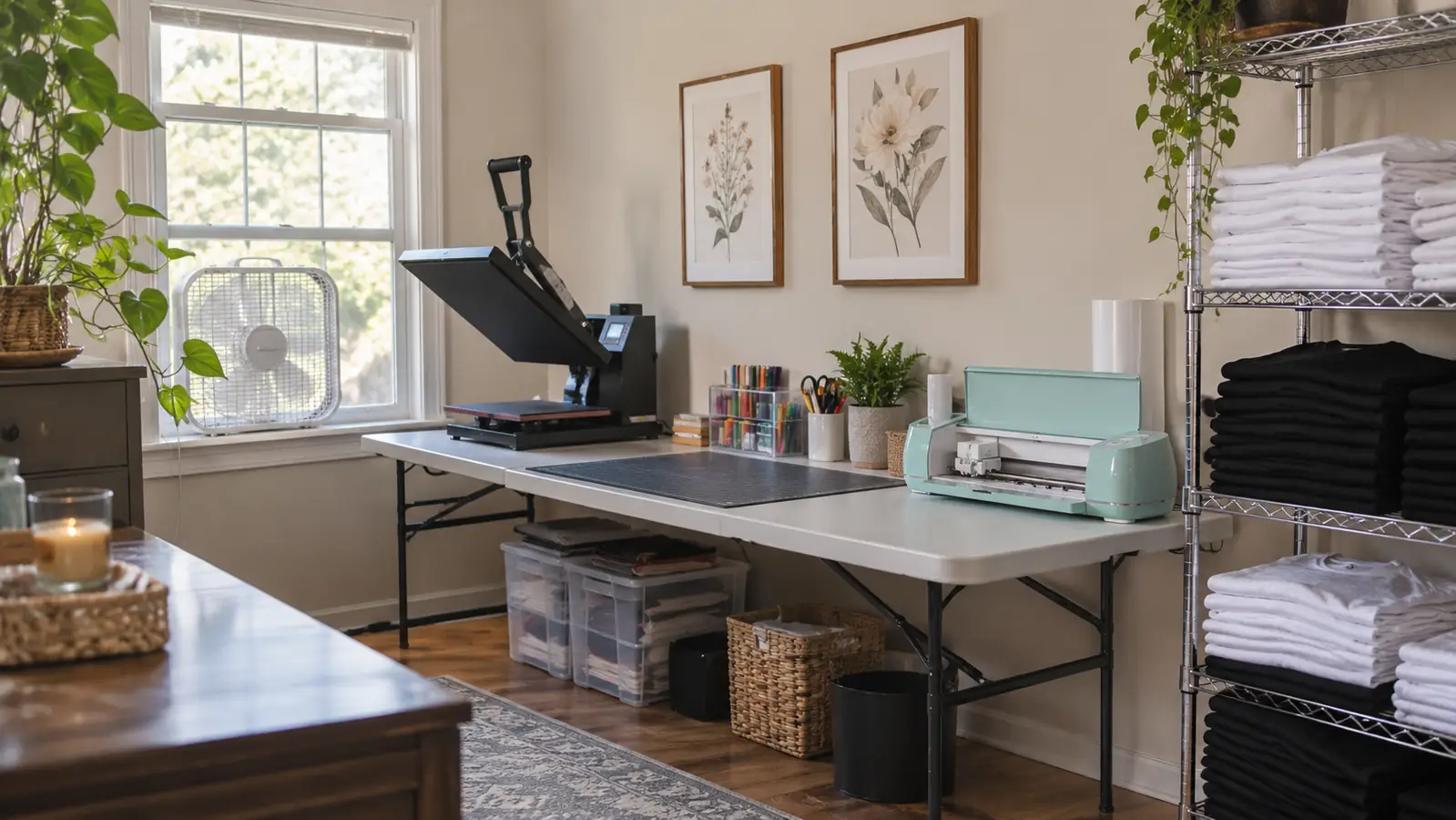
Eleven Little League jerseys were stacked on the folding table in my spare bedroom the week the Cricut Joy Xtra showed up. I had a heat press, one printer that has only ever had sublimation ink in it, and a pair of orange-handled scissors I had been using to trim iron-on vinyl by hand for three seasons, because hauling a big machine out of the closet for four-inch numbers felt like more trouble than it was worth. My numbers looked like it, too. Some of them leaned. One of them was very obviously a five pretending to be a six.
I run a small heat press and sublimation business out of that spare bedroom in Toms River. Family reunion shirts started it about three years ago. Now it is the Little League, two teachers' groups who order tumblers by the dozen, neighbors, and a small Etsy shop that sells maybe fifteen items in a good month. I work evenings and Saturdays. My husband Sal folds and bags and offers opinions about shirt softness whether or not anyone asked. Nobody in this house expects a machine to change their life. What I wanted from the Cricut Joy Xtra was smaller than that. I wanted to stop cutting letters out with scissors.
The Quick Verdict
A small, well-behaved machine that made short-run vinyl and cardstock orders genuinely faster. It will not cut a full adult shirt back, and the print feature depends on a printer I do not own.
Amazon Check Today's Price →If your order list is all small shapes and short runs, this is the one I would buy again
The Cricut Joy Xtra handles jersey numbers, name decals, cardstock tags and pen work without needing its own room. It does not handle a full back in one pass, and I say that as someone who tried. If most of your work fits the small work area, start here.
Amazon Check Today's Price on Amazon →How I've Used It
The first real job was the jersey order. Forty-one numbers, four sizes, plus a dozen names for the backs of the coaches' shirts. I set the machine on the corner of the folding table, plugged in the power adapter, paired it with my phone, and cut the first number in about ninety seconds of fiddling and eleven minutes of actual cutting. The old way, with scissors and a printed template and a lot of squinting, took me a full weekend and left a callus on my thumb. That is not a marketing claim. That is what happened between a Thursday night and a Saturday afternoon, and it is the reason the machine has not gone back in the box since.
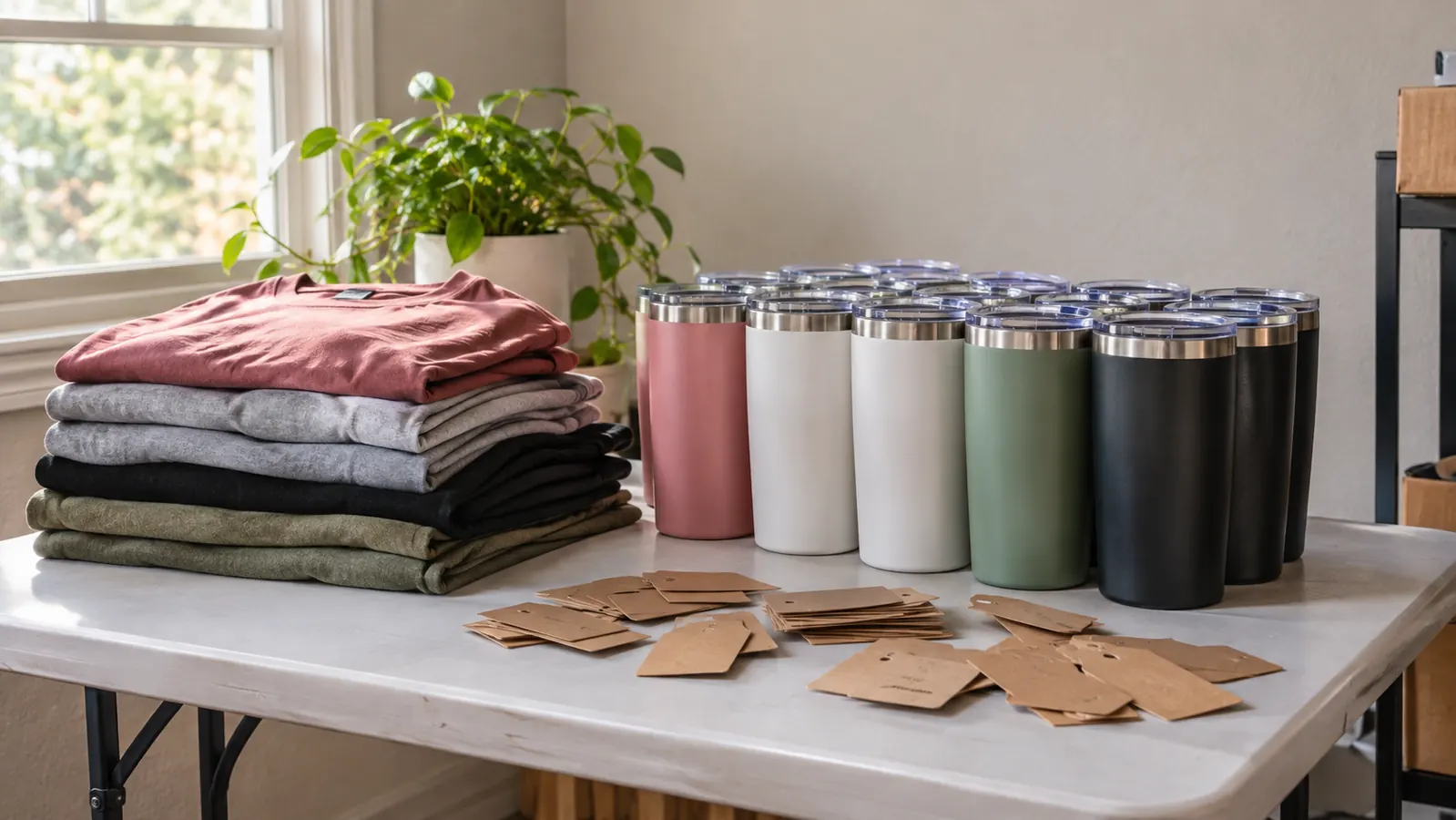
What it does the rest of the week is smaller and more boring. I cut iron-on vinyl for teacher shirts. I cut adhesive vinyl names for the front of tumblers that I then sublimate around, which sounds backwards but works fine if the name is small and sits far enough from the heat. I cut cardstock tags for the Etsy orders and write the size and care notes on the back with the fine point pen that came in the bundle. I cut about sixty little vinyl stars for a neighbor's daughter's birthday party, and then I cut them again two weeks later when she lost the bag.
One Saturday in March I had twenty-four tumblers for two teachers' groups and a Little League order due the same afternoon. I cut all twenty-four vinyl names before noon, laid them out on the table in the order I would press them, and worked through the stack while a movie played in the next room. Two years ago that morning would have eaten the entire day and half the evening with it. This time it ate three hours, and I still had it in me to drive the tumblers over myself instead of handing Sal the keys.
None of that is glamorous. All of it used to eat three times as long. The honest summary of several months is that the Cricut Joy Xtra did not hand me a new product line. It removed a bottleneck I had stopped noticing, because I had built my whole workflow around avoiding it. I used to take the orders I could cut by hand. Now I take the ones I can cut on the machine, and the difference shows up as a few extra hours a week that I spend pressing and packing instead of trimming and swearing.
What It Cuts, and What It Will Not
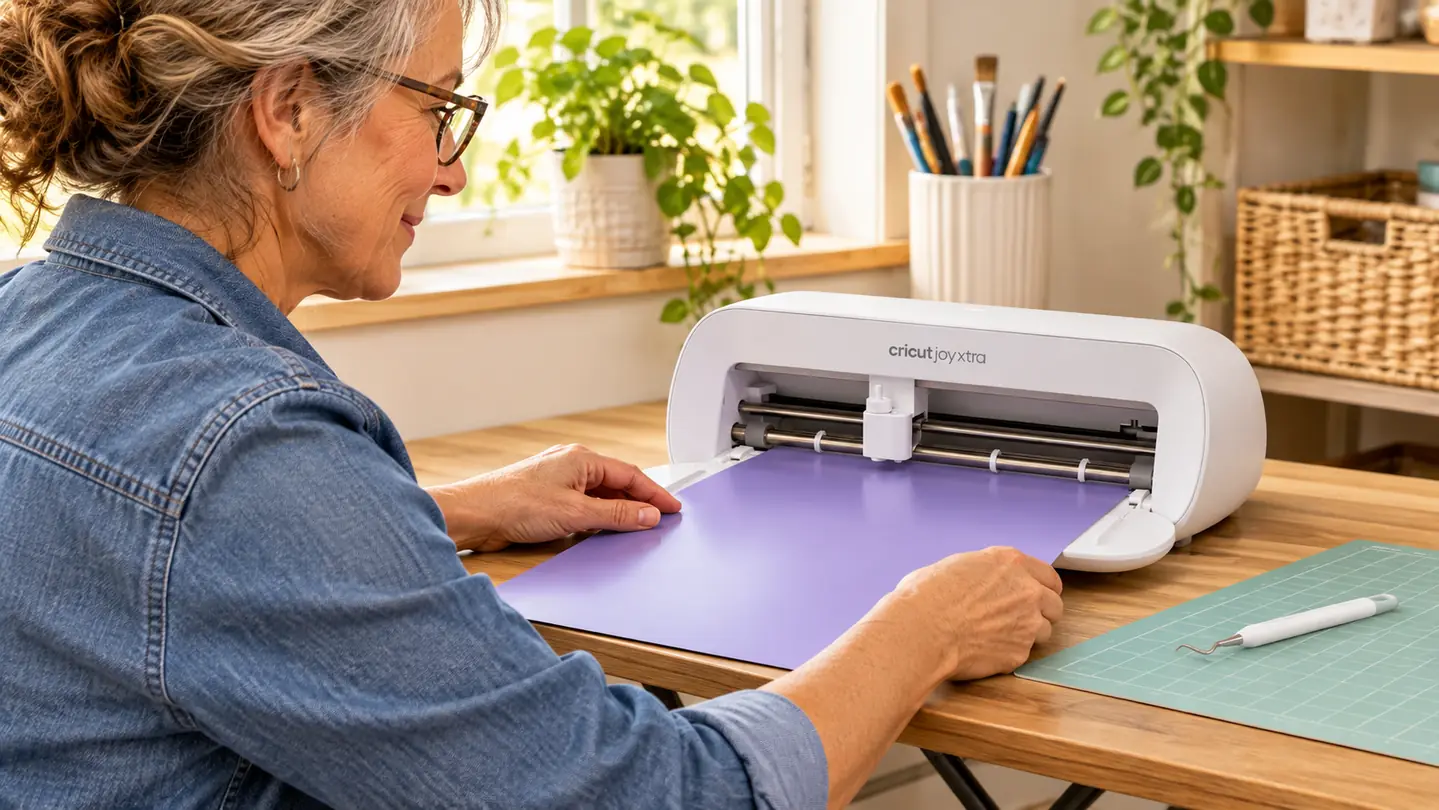
The listing says the machine works with more than 50 materials, and I believe it, but the list I actually use is short: iron-on vinyl, adhesive vinyl, cardstock, sticker paper, and the occasional sheet of thin chipboard for tags. The fine point blade that comes in the bundle handles all of that without complaint. I have cut several hundred small shapes on the same blade and it is still clean. When it dulls I will swap it, the same way I swap the blade in my rotary cutter, and I will not make a drama out of it.
I keep a shoebox of scrap cardstock under the table and run a two-inch square on it every time I open a new pack. Weights vary more than the packaging admits, and one batch I bought downtown tore at the corners until I changed the setting for that pack and ran the sheet again. That was a fifteen-minute lesson, and it saved a stack of tags I had already promised to a customer for a Friday pickup. The machine is patient. It is not psychic.
The pen is the part I did not expect to use. It arrived in the bundle with the fine point blade, the mini weeder, the welcome card, the USB cable and the power adapter, and I assumed it was filler. Then I started drawing the size and care instructions on the back of my cardstock tags instead of printing them, and now it runs on almost every Etsy order that leaves this house. It is slow. It is also the difference between a tag that looks bought and a tag that looks made, and people notice that difference more than they notice the shirt.
I design on my phone more than a grown woman should admit. The machine works with phones, tablets and computers, and the phone is what I reach for at nine at night when I am on the couch and Sal is watching something loud. The bigger jobs, the ones with forty-one numbers laid out on one sheet, I do on the laptop where I can actually see what I am doing. Both work. The phone is just easier to hold.
Where the Small Work Area Shows Up
The work area is about 95 square inches and that number is the whole story of this machine, good and bad. It is why the thing lives on the corner of a folding table in a spare bedroom instead of owning a table of its own. It is also why I cannot cut a full adult shirt back in one piece. A large design has to be broken into sections, cut separately, and lined up by hand when I press. The first time I did that, I put a seam straight through the middle of a word. I have gotten better at it. I still do not love it.
A coach's shirt in a men's large is where that shows up worst. The design ran eleven inches across the back, and eleven inches does not fit the work area in one piece, so I cut it in two halves and lined them up with a yardstick before I pressed. The join landed inside the bottom curve of a letter, which is luck more than skill. From six feet away nobody knows. From the passenger seat of a car, the coach's wife knew, and she was gracious about it, and I still think about it every time I section a design.
If your orders are mostly full-back designs for adult sizes, this is the wrong machine and I would tell you so to your face. The Joy Xtra is built for small shapes, repeated. Numbers, names, tags, decals, small logos, cardstock pieces. That is the shape of my work maybe eighty percent of the time, which is why it suits me. The other twenty percent I still do by hand, or I turn the order down, or I call the customer and explain that a two-piece back will have a line in it and ask if they care.
The machine itself is light, about 250 grams by the spec sheet, and that cuts both ways. It takes up almost no space on the wire shelf when I need the whole table for pressing. It also slides if I pull material too hard, so I hold the base with one hand while I feed with the other. Small thing. It took me a week to stop yanking.
Print Then Cut, Honestly
Here is where I have to be straight with you. The Cricut Joy Xtra can print full color designs on an inkjet printer and then cut around them, which is how people make sticker sheets and photo cards and little printed tags. That feature is real and it does what it says. I have barely touched it, because my one printer, an Epson EcoTank ET-2800, has only ever had sublimation ink in it. Sublimation ink on plain paper gives you a ghost of an image. That is not a machine problem and it is not something I can wish away.
So my experience on that side is thin, and I am not going to pad it out to make this review look more complete than it is. What I can tell you is that if you already own a normal inkjet printer and sticker sheets are part of your plan, the machine is set up for exactly that, and the people I know who sell stickers speak well of it. If your only printer has been converted for sublimation like mine, add a second printer to the plan before you count on print and cut, or you will be standing in your spare bedroom at ten at night feeling foolish.
The bundle also came with 30 bonus digital images, which I expected to ignore. I used four of them on a set of holiday mugs and one on a birthday card. That is not a lot, but it saved me an evening of scrolling, and the rest are still sitting there for the next time I am short on ideas and long on orders. The one-year manufacturer warranty is standard. For something I run four nights a week, I would like longer, but I would like a lot of things.
What I Liked
- Cuts small shapes fast and repeatably, which is most of what a short-run order actually is
- A work area of about 95 square inches that fits on the corner of a folding table and stays set up
- Handles iron-on vinyl, adhesive vinyl, cardstock and sticker paper on the fine point blade in the bundle
- The fine point pen turns plain cardstock tags into something that looks finished
- Runs from a phone, so late-night design does not mean opening a laptop
- Light, about 250 grams, and easy to move when the table is needed for pressing
Where It Falls Short
- Cannot cut a full adult shirt back in one pass, so large designs have to be sectioned and lined up by hand
- Print Then Cut needs a normal inkjet printer, which rules it out if your only printer runs sublimation ink
- Light enough to slide when you feed material, so you end up holding the base with one hand
- It cuts what you tell it to cut, including the mistake you typed at eleven at night
- One-year manufacturer warranty, which is ordinary for a machine used this hard
Forty-one numbers and twelve names. It took me one evening instead of a weekend, and my wrist did not hurt afterward.
Who This Is For
This machine is for the person whose orders are mostly small and mostly repeated. Numbers, names, tags, decals, stickers, cardstock, a small logo on the left chest. If your work fits inside a work area of about 95 square inches and you cut the same shape more than three times, the Joy Xtra pays you back in time and in consistency, and consistency is the thing nobody warns you about when you start taking money from neighbors. The fifth jersey number looks exactly like the first one. That matters when the first one was cut by a tired woman with scissors.
My Etsy tags are the clearest example I can give you. Before the machine I bought printed tags in hundred-count bags and wrote the sizes on with a marker that smeared if a cold tumbler sweated on it in a delivery bag. Now the same cardstock goes through with a drawn line of care instructions and a hole punched in the corner, and a set of twenty tags takes about the time it used to take me to hand-write four. My turnaround went from about a week to a couple of days, and I did not add a single evening to my week to get there.
It is also a reasonable first machine if you are starting small and honest about it. Mine has not gone back in the box since the day it arrived, and being set up and ready is most of why I use it. A machine you have to assemble on the kitchen counter is a machine you stop using by February.
Who Should Skip It
Skip it if your orders are big. Full backs, oversized designs, layered pieces that have to line up across twelve inches, anything where the customer will run a thumb over the middle and feel a join. Skip it if you already own a larger cutting machine and the only reason you are looking is that this one is smaller and fits on the shelf. That is a want, not a need, and I say that as a woman who has bought plenty of wants and stored them on that same wire shelf.
Skip it, or wait, if sticker sheets are the whole plan and you do not own a regular inkjet printer. And skip it if you are hoping the machine will do the design thinking for you. It will not. It follows instructions with great patience, including bad ones. I know, because I have cut the same typo twice, and the second time I blamed the machine out loud in an empty room.
The small machine that earned its spot on my table
If most of your work is small shapes and short runs, the Cricut Joy Xtra is the one I would buy again. It is not a big machine and it does not pretend to be. It is the one that turned a weekend of trimming into an evening at the table with the radio on.
Amazon Check Today's Price on Amazon →